Get Faster Internet: Simple Tweaks That Make a Big Difference

Get Faster Internet: Simple Tweaks That Make a Big Difference
A slow internet connection can be incredibly frustrating—especially when you’re streaming movies, joining video calls, or gaming online. The good news is that you don’t always need to upgrade your plan to get faster, more reliable internet. Often, a few small adjustments at home can make a big difference. Here are some simple tips to help you optimize your connection and enjoy a smoother online experience.
Place Your Router the Right Way
Where you put your router has a huge impact on how well your Wi-Fi signal spreads throughout your home. Many people tuck it away in a corner, behind furniture, or inside a cabinet—but that can seriously weaken the signal.
- Position your router centrally in your home, ideally high up and in the open, so the signal can reach every room.
- Avoid obstacles like concrete walls, metal objects, and large appliances that can block or reflect the signal.
- Keep it away from microwaves and cordless phones, which can interfere with Wi-Fi frequencies.
Simply moving your router to a better spot can often improve coverage dramatically—especially in larger homes.
Læs også:

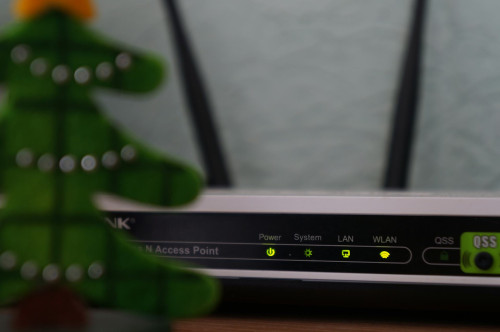
Update Your Equipment
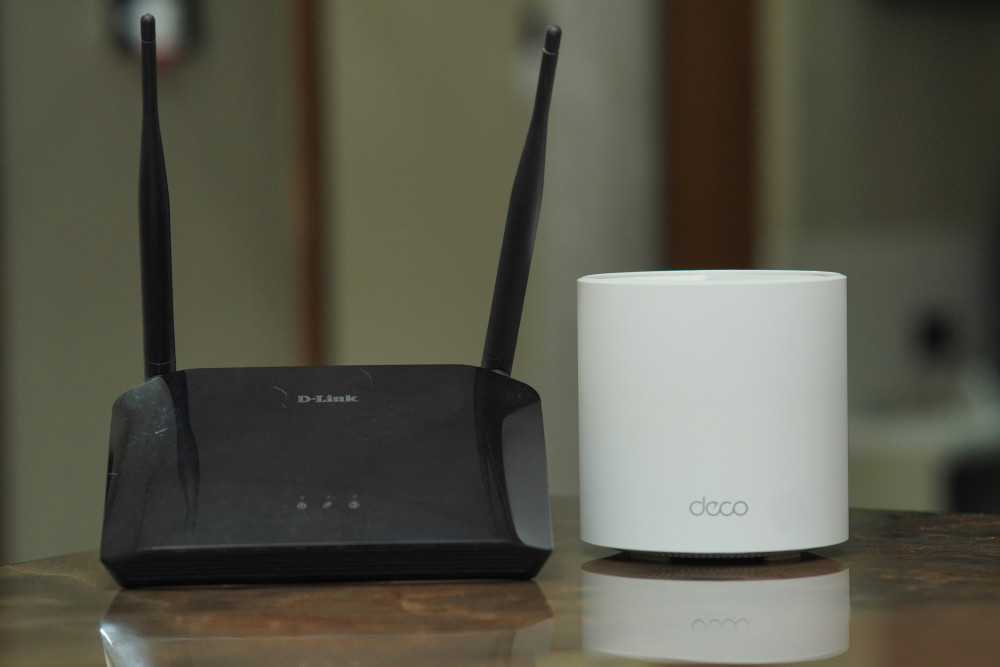
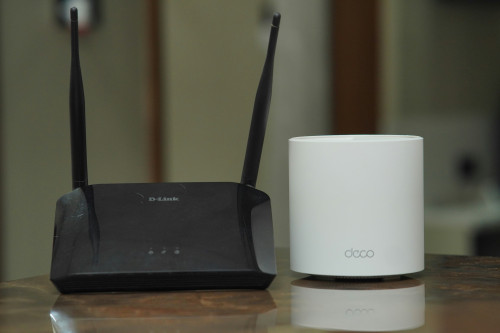
Technology evolves quickly, and older routers may struggle to keep up with today’s high-speed connections. If your router is more than five years old, it might be time for an upgrade.
- Check if your router supports Wi-Fi 5 or Wi-Fi 6. These newer standards offer faster speeds and better stability.
- Keep your firmware up to date. Manufacturers regularly release updates that improve performance and security.
- Consider a mesh network if you live in a multi-story home or have dead zones. Mesh systems use multiple devices that work together to provide consistent coverage throughout your house.
Use Wired Connections When It Makes Sense
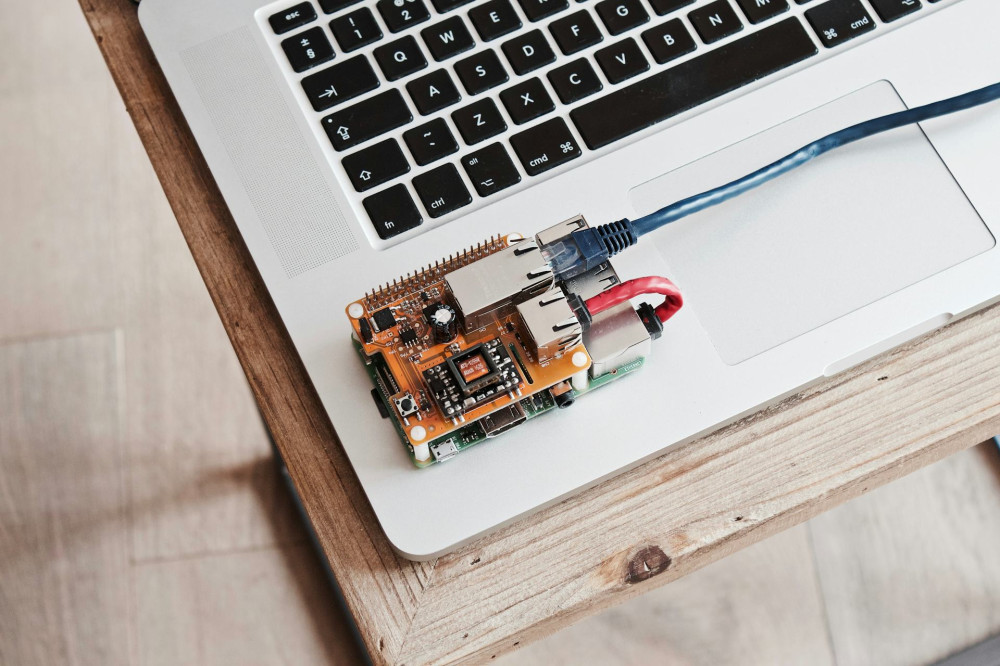
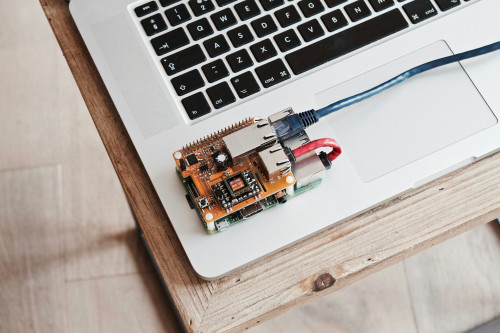
While Wi-Fi is convenient, a wired connection is still the fastest and most stable option. If you have desktop computers, gaming consoles, or smart TVs, it’s worth connecting them directly with an Ethernet cable.
This takes pressure off your Wi-Fi network and ensures that high-bandwidth devices get a steady connection—without slowing down your wireless devices.
Check What’s Using Your Bandwidth
Many people experience slow internet because too many devices are connected at once. Smart speakers, security cameras, tablets, and phones can all use bandwidth—even when you’re not actively using them.
- Turn off or disconnect devices you’re not using.
- Check background apps on your computer—some may be updating or syncing automatically.
- Use Quality of Service (QoS) settings on your router to prioritize certain devices or applications, like your work laptop or streaming service.
Test Your Speed—and Compare It to Your Plan
It’s a good idea to test your internet speed regularly. Use a reliable speed test and compare the results to what your provider promises. If you consistently get lower speeds than you’re paying for, there may be an issue with your connection or equipment.
Contact your internet service provider (ISP) if you notice major discrepancies—they can often help troubleshoot or suggest a plan that better fits your needs.
Consider an Upgrade if Your Needs Have Changed
If you’re working from home, streaming in 4K, or have multiple devices connected at once, your bandwidth needs may have grown. In that case, upgrading your plan could be a smart move.
Many ISPs now offer fiber or high-speed cable connections that deliver faster download and upload speeds—a big advantage if you frequently send large files or join video meetings.
Small Changes, Big Results
Fast, reliable internet isn’t just about the numbers on your plan—it’s about how your connection performs day to day. By optimizing your router placement, updating your equipment, and managing your bandwidth, you can often see a noticeable improvement without spending much money.
It only takes a little time and attention, but the payoff is worth it: smoother streaming, clearer calls, and a connection that just works.
Læs også: